
Uploaded connector or service not handled by the system
Symptoms
When uploading a connector or service to the system it's not handled by the system. The upload is successful, but the connector or service can't be found in /usr/local/cocos/production/bin/connectors or /usr/local/cocos/production/bin/services.
Related symptoms
- Uploaded connectors are not handled anymore, which means they are not moved/copied from the uploaded location to
/usr/local/cocos/production/bin/connectors. - Starting/stopping/restarting devices/connectors doesn't work
- Changing the version for a devices/connectors doesn't work
- Checking/uncheckingthe option "[ ] External Connector" doesn't work
- Uploaded services are not handled anymore, which means they are not moved/copied from the uploaded location to
/usr/local/cocos/production/bin/services. - Starting/stopping/restarting a service doesn't work
- Changing the version for a service doesn't work
- Checking/unchecking the option "[ ] External Service" doesn't work
Application
This problem can occur when CoCoS is installed or updated incorrectly, or for example, when (during development) the command git pull was used to fetch updates from Git.
Cause
All symptoms mentioned above are caused by the fact that the core service processManager is not running. This can be detected in two ways:
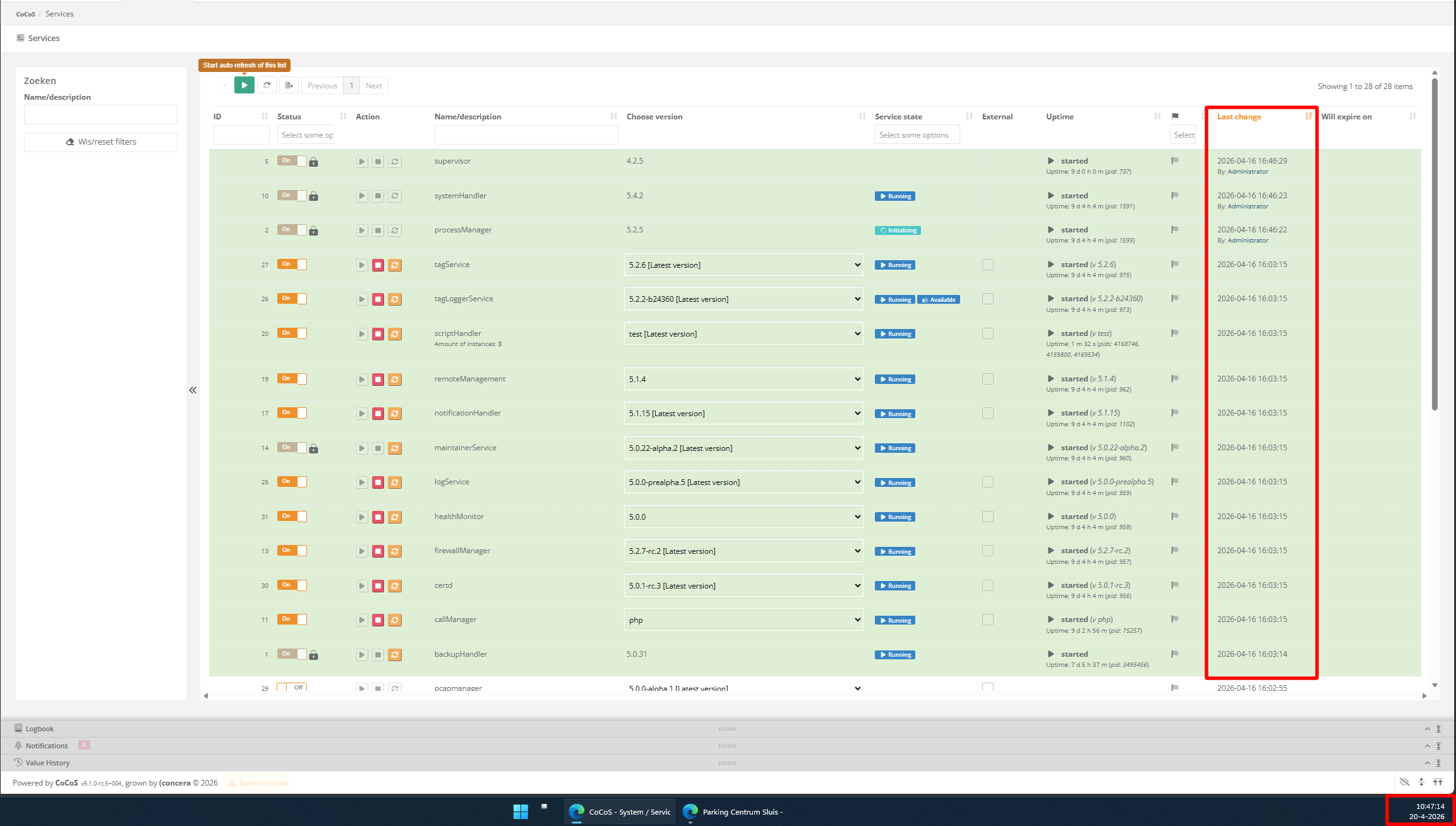
- Log in to the CoCoS Management, navigate to "System" -> "Services" and sort on the column "Last change". When the core service processManager is running, services should be updated regularly. When this is not the case, it could be that it's not running.
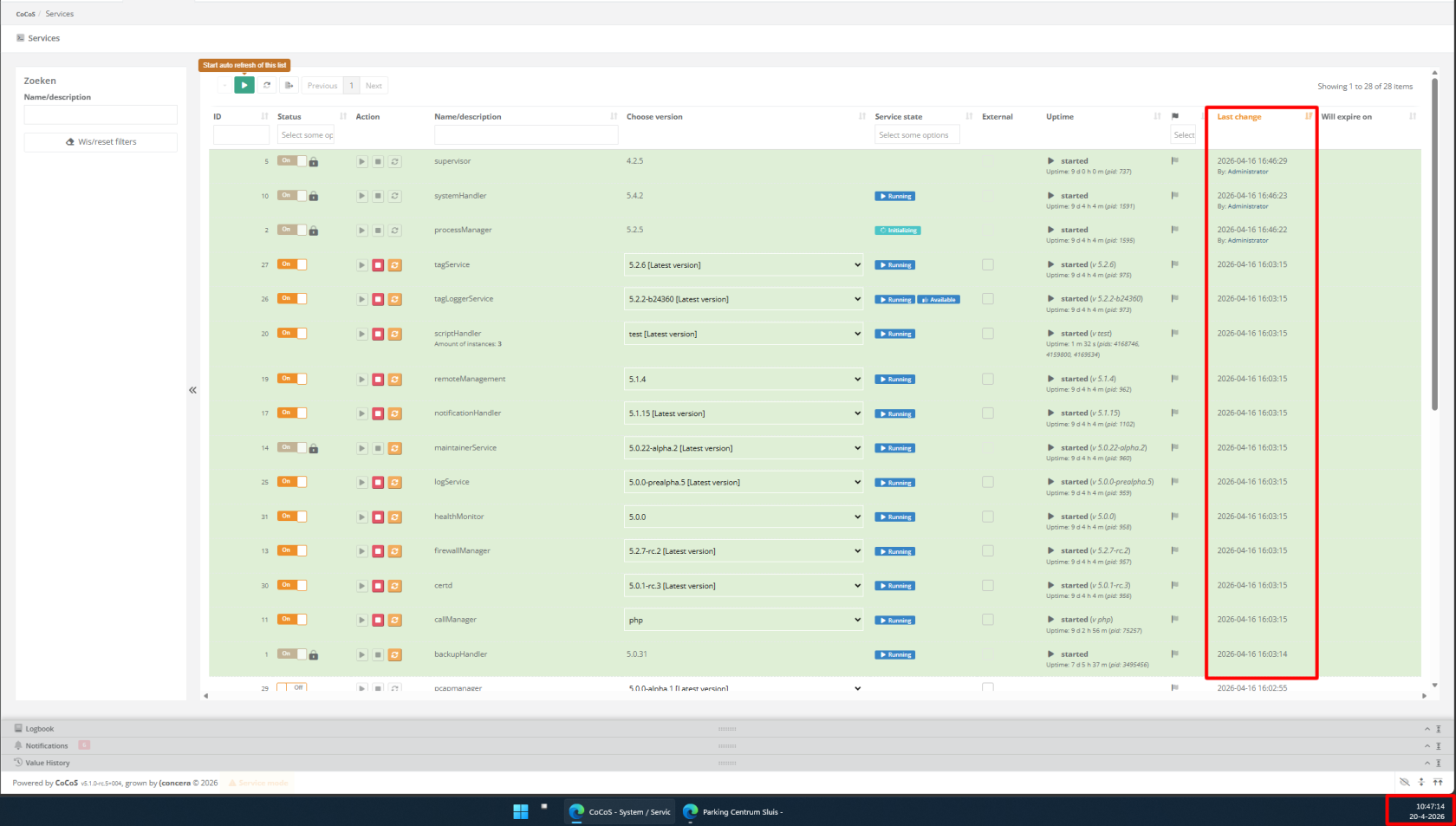
- Log in to the CoCoS Server using SSH/PuTTY and use a command like
ps aux | grep "processManager". When only thegrepcommand is found, but entries for scripts likeprocessManager.cronofprocessManager.startare missing, it's not running.


Solution / Resolution / How To
|
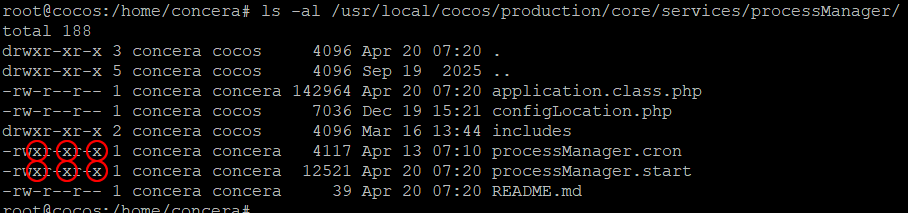
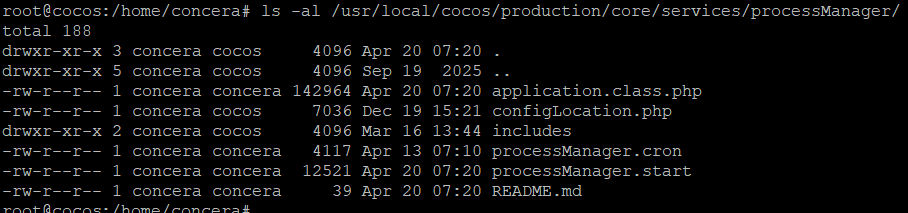
Log in to the CoCoS Server using SSH/PuTTY and use the command below to check the permissions for the files for the core service processManager.
|
❌ Missing executable permissions:
 |
When the processManager does have the correct permissions, but it's not running, check the configuration in the crontab by using the command crontab -e.The crontab should contain lines for starting the core service process manager every minute. When these don't exist, add them manually. |
Crontab example:
|
| When the processManager doesn't have the correct permissions, fix the permissions. On CoCoS v5.1.0-rc.5+004 and above, a script will be available which can be called with the command below: For older CoCoS-versions, use the commands below:
!! PLEASE NOTE !! The commands below may change in newer versions of CoCoS. Therefore, always check the CoCoS README.md and/or the actions to be performed in the cocos-fixFilePermissions.sh script to ensure that the latest version is being used.
|

References
Related Git issue(s):
- https://github.com/Concera-Software/CoCoS/issues/2036