After some time, the Commend intercom goes out of operation and displays a red illuminated dial button.
Symptoms
The Commend Intercom stops operation after a firmware update. The call button is turning red and is blocked / not working anymore. Dailing from any other subscriber to the intercom does work properly.
Cause
The firmware update forcefully enables microphone/speaker surveillance. If this option was disabled, it's turned on again during the firmware update causing the intercom to fall into an error state that can only be resolved by restarting the intercom.
Related software versions
Fimware version : 5.0.0.7
Solution / Resolution / How To
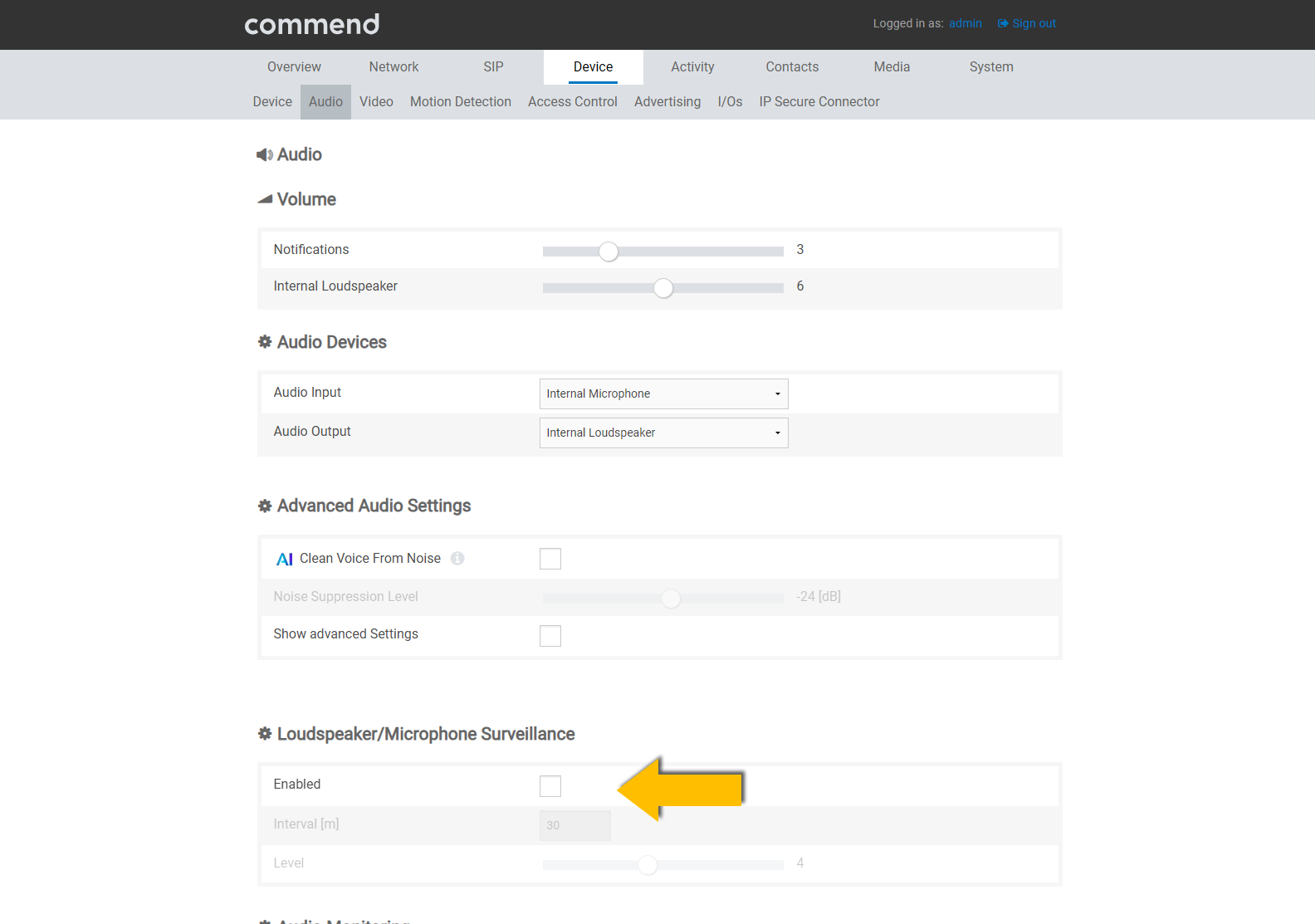
Disable the microphone/speaker monitoring
|
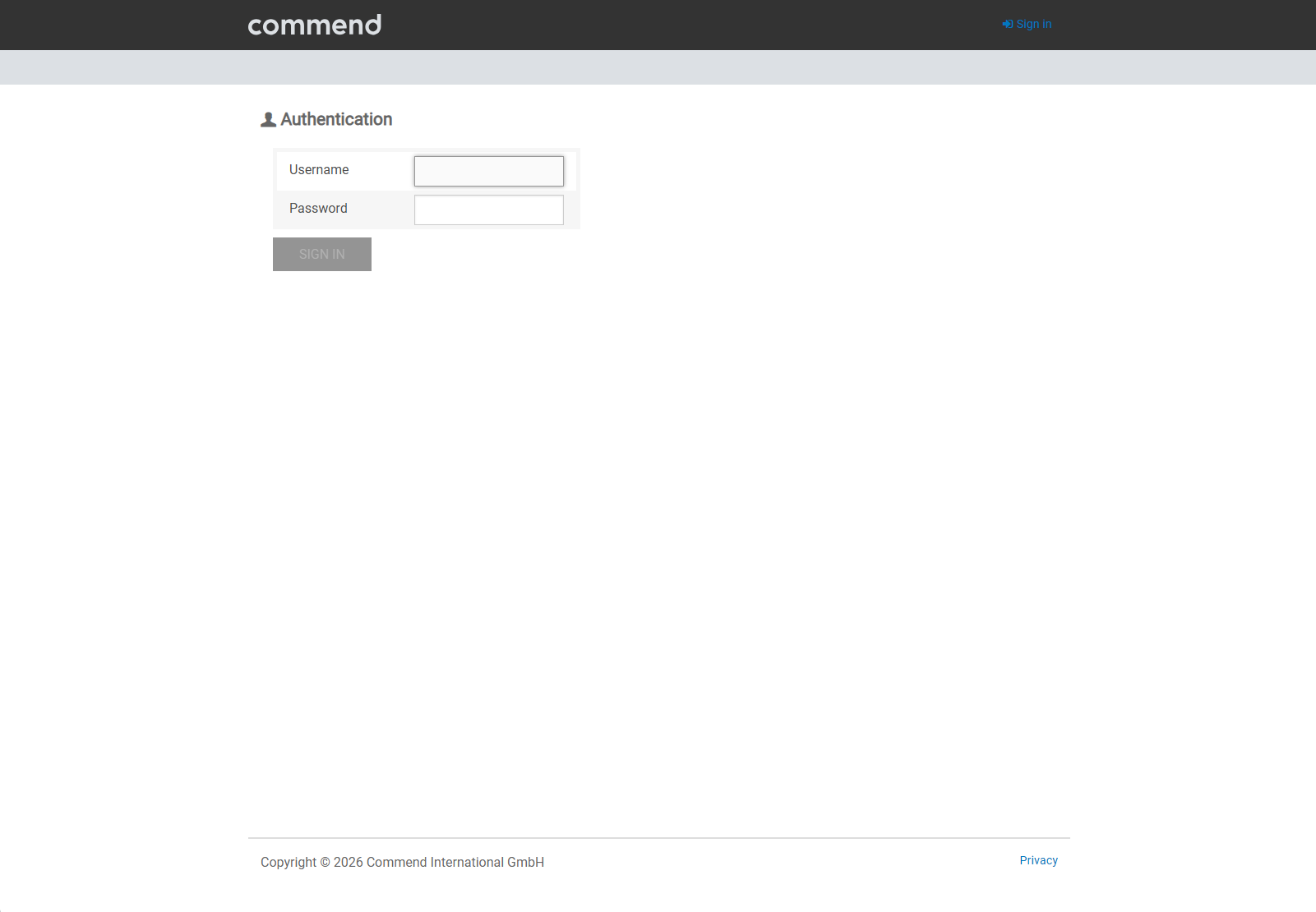
Step 1:
|
|
|
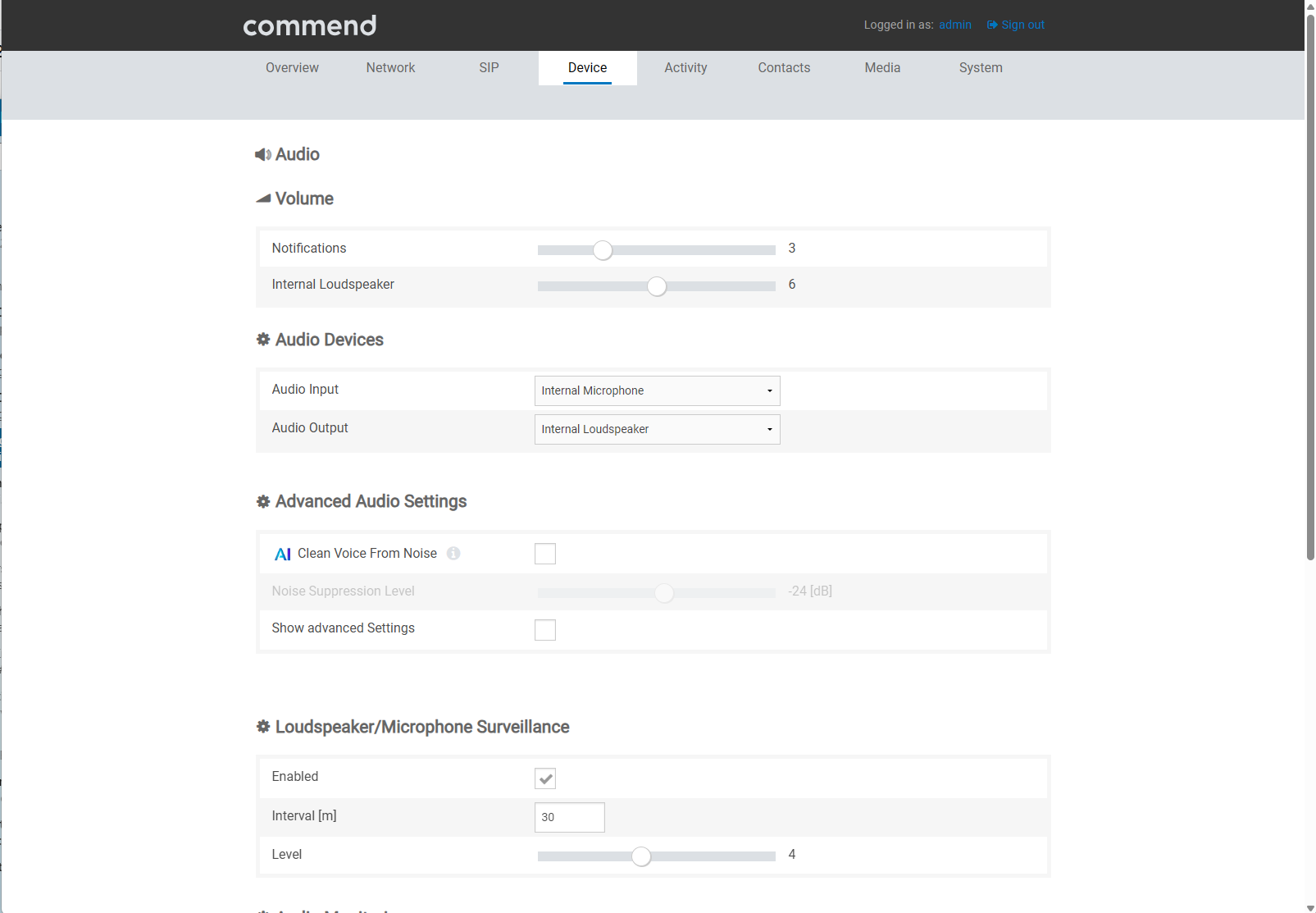
Step 2:
|
|
|
Step 3:
Note, Windy environments or environments with lots of (background) noise may effect the reliability of the Loudspeaker/Microphone surveillance. Adjust the level accordingly or disable the feature. |
|
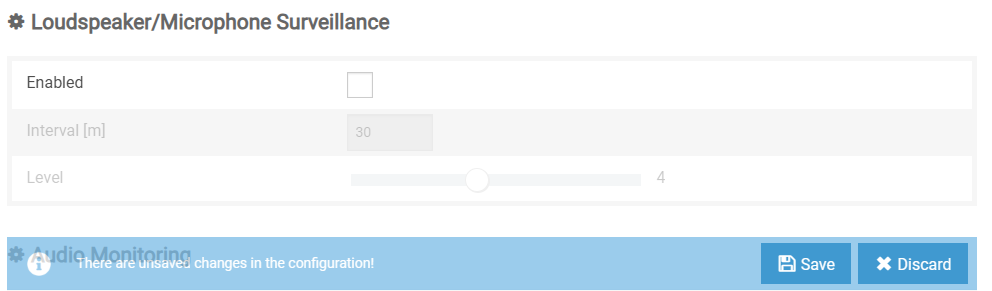
| Step 4: Store the changes by pressing Save on the bottom of the interface. |
|